Welcome to myBOQ!
Our brand-new digital banking app is almost good to go!.{sub-heading}

Welcome{yellow-border}
At BOQ, we're on a mission to make banking easier and more effortless. Whether it's helping you manage your money or reach those savings goals, the myBOQ app is here to help. It's the simple, intuitive way to bank. All at your fingertips.
Your exclusive invite for early access
As one of BOQ’s nearest and dearest we’re excited for you to be one of the first to experience myBOQ, and we can’t wait to hear what you think! A friendly reminder that this is an exclusive invitation to our early-release, just for you, and shouldn’t be shared with anyone else. If anyone contacts you about our new digital bank, just email our project team and we'll take it from there.
Let's get started{yellow-border}
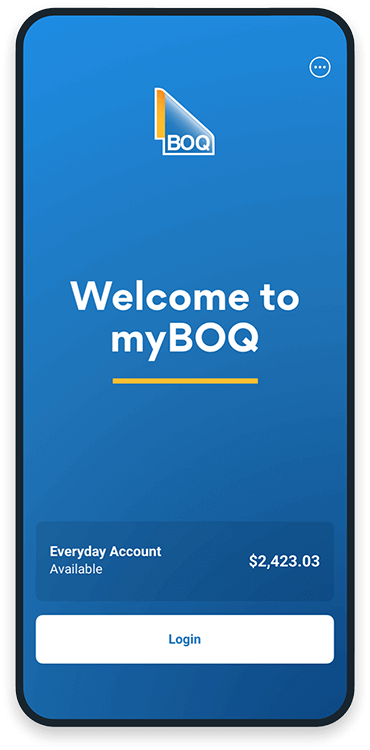

Download the app
Select your phone type below and follow the instructions.
Phone
Android
- You will receive an email from the App Centre inviting you access the myBOQ app.
- Click the 'Sign Up' button once on your mobile device to access the Microsoft App Centre website.
- Click the ‘Get Started’ button and create a new account using your work email.
- Click on the Android version of the app.
- Find the latest release of the myBOQ app
- Click the download icon.
- A 'Downloading' screen will pop up to show the app is downloading. Once downloaded, click 'Open' at the bottom of the page.
- Click 'Open' when the pop-up appears.
IOS
- Download 'TestFlight' from the App Store onto your mobile device.
- You will receive an e-mail to your work email from 'TestFlight' saying 'BOQ (Australia) Pty Limited has invited you to test myBOQ'.
- Click on the the “View in TestFlight” hyperlink. A new window will be opened with Invitation code details, which you will need to note down.
- Open TestFlight app on your mobile device and click on "Redeem"
- Enter the invitation code and click on "Redeem" and then "Ok".
- The myBOQ app will be avaliable to download from "TestFlight".

Open an account
Once you’ve downloaded and opened the app you’ll be able to open your first account. To complete this step, you're going to need to provide some personal details, and will require your Australian drivers licence, Medicare card or Australian Passport.
Please note users who fail KYC checks during on-boarding may experience delays of up to a few days in finishing their account setup.

Make your first deposit
Use PayID to instantly send money to your account. Or transfer to your account using your BSB and account number (you can find these details in the app).

Set up your digital wallet
No need to wait for your card - just add it to your digital wallet and start using it straight away. And before you know it, your shiny new card will arrive in the mail. When your new BOQ Visa Debit Card arrives there is no need to call! You can activate your card intantly within in the myBOQ app!
Please note Android users are currently unable to add their BOQ Visa Debit Card to Samsung Pay and Google Pay.

Finish setting up your profile
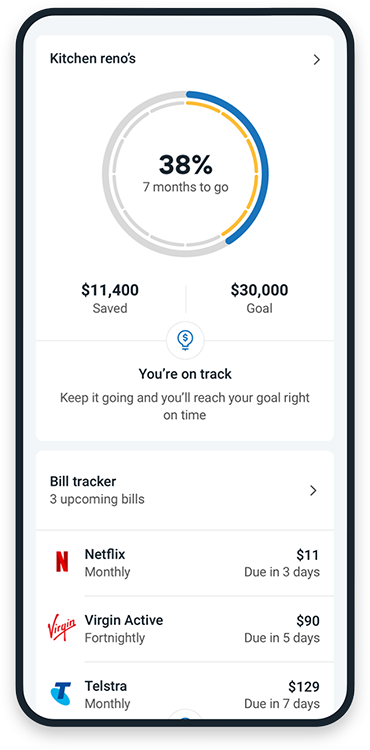
Add your Tax File Number to make things easier at tax time, add a budget against a specific category (like groceries) so we can help you manage to it, check out personalised insights and real-time alerts, add a savings goals to keep you on track with your targets, and switch on Round Ups~ to add to your savings without even thinking about it!
Effortless everyday banking products
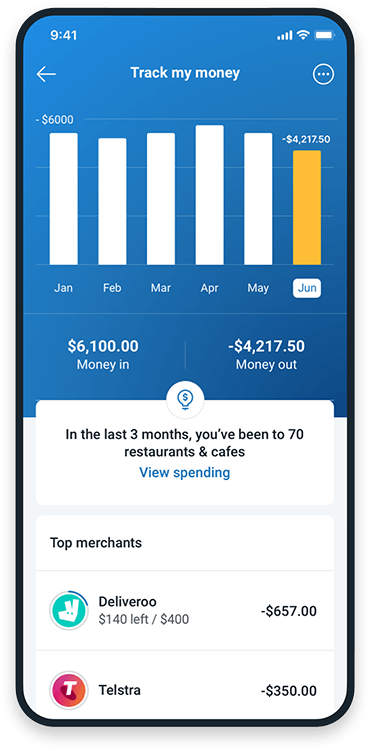

BOQ Everyday Account
A simple, intuitive everyday transaction account, made even better for you, with smarter features that help you get more from your money.

No monthly fees
Go ahead and say goodbye to monthly account fees.

Money on the go
Make your money mobile and pay on the go with Apple Pay1, Samsung Pay2 or Google Pay3.

Smarter features
Spend tracker helps you budget better and bill tracker gives you a heads up when your bills are due. Plus, see real-time insights and set targets to manage your money.
Our high interest savings account, with easy to earn bonus interest. Available when you hold an Everyday Account in the same name.

BOQ Future Saver (14 - 35 years)
Set your sights on achieving your savings goals sooner, whether it's your first home, car, or that must-have item, The BOQ Future Saver Account will get you there faster with easy to earn bonus interest when you meet the monthly criteria.

BOQ Smart Saver (36 years+)
Make your savings work for you, whether it's for that dream holiday, your child's education or just a rainy day, the BOQ Smart Saver Account will get you there faster with easy to earn bonus interest when you meet the monthly criteria.

